
HP Stream 14 Laptop Review: A simple, budget-friendly pick for study and light work
If you’re considering the HP Stream 14 laptop for school, email, browsing, and basic Office tasks, this review breaks down what it does well, where it feels limited, and who it genuinely makes sense for. I’m focusing on real-world use—startup time, day-to-day smoothness, and the kind of workload it can handle comfortably.
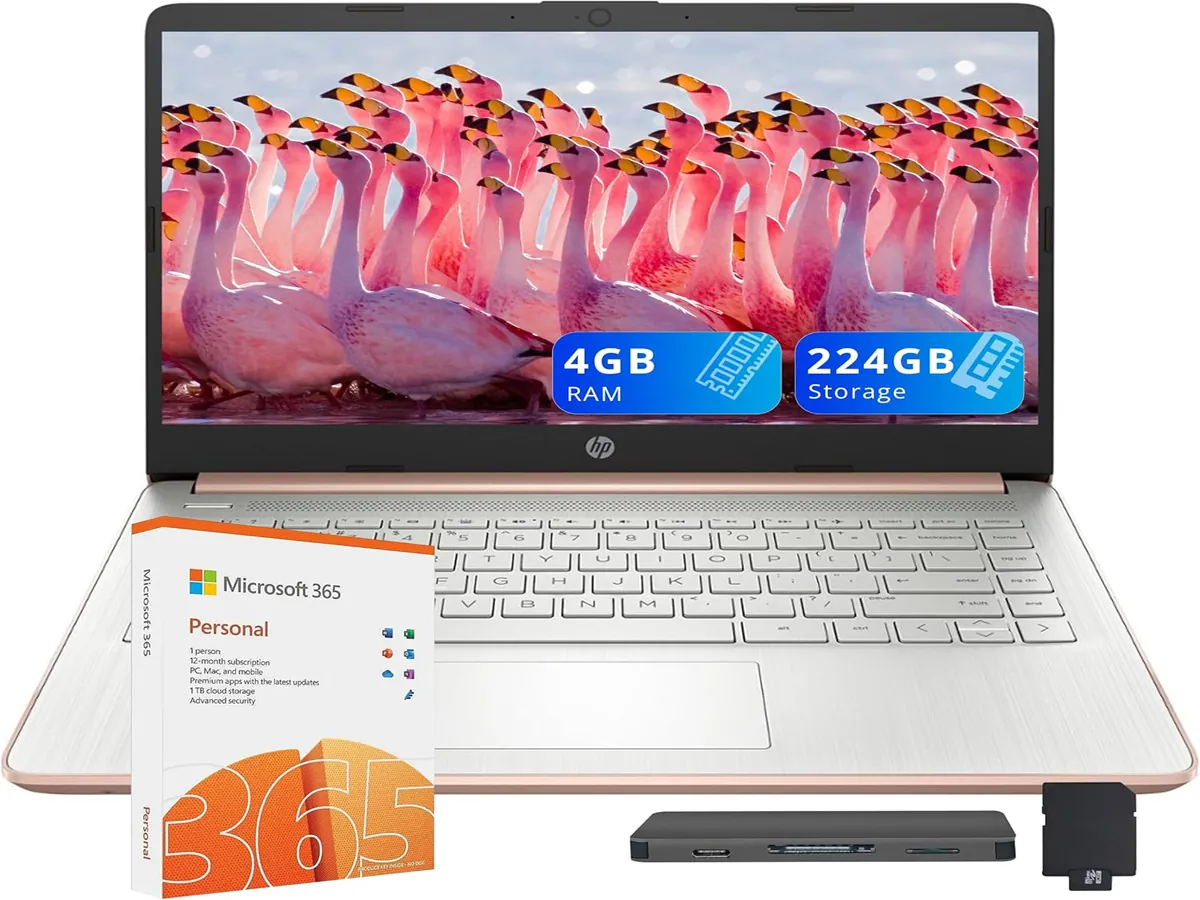
Affiliate Disclosure: This page contains affiliate links. As an Amazon Associate, I may earn a small commission if you purchase through these links—at no extra cost to you. This helps support honest reviews and independent content.
Product Overview
The HP Stream line is built for people who want a simple Windows laptop for everyday essentials. In practice, that means: writing assignments, checking email, joining online classes, browsing the web, and handling light Office work without carrying a heavy machine.
Where it shines is convenience—fast enough for basic workflows when you keep things tidy. Where it struggles is anything that behaves like “real multitasking”: lots of heavy browser tabs, large downloads, or demanding creative software. If your needs match the first list, it can be a very reasonable budget pick.
Key Features That Matter in Real Use
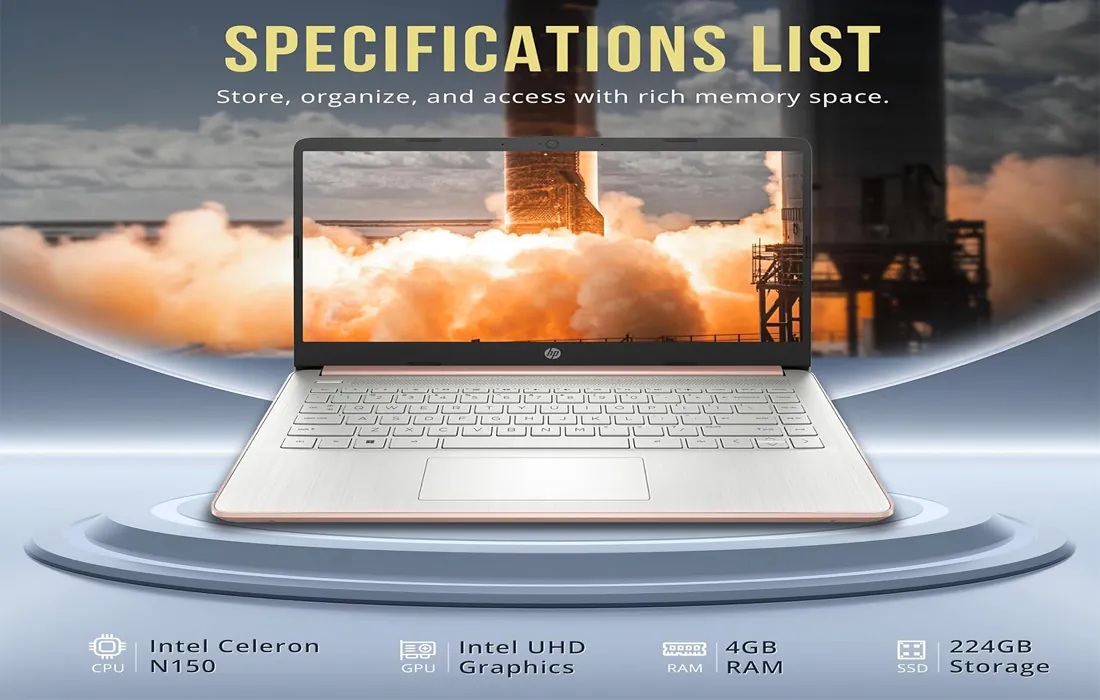
Instead of listing specs like a brochure, here’s what actually changes your experience day to day with the HP Stream 14 laptop.
For email, docs, online classes, and a handful of tabs, it feels responsive enough—especially after a clean setup.
Fine for streaming, web apps, and casual use. It’s not meant for heavy gaming or advanced editing workloads.
Great when your work is mostly web-based: school portals, Google Docs, Microsoft web apps, and video calls.
Comfortable to carry, easy to open anywhere—library, café, dorm desk, or a small home office corner.
Keep downloads organized, remove unused apps, and rely on cloud or external options when needed.
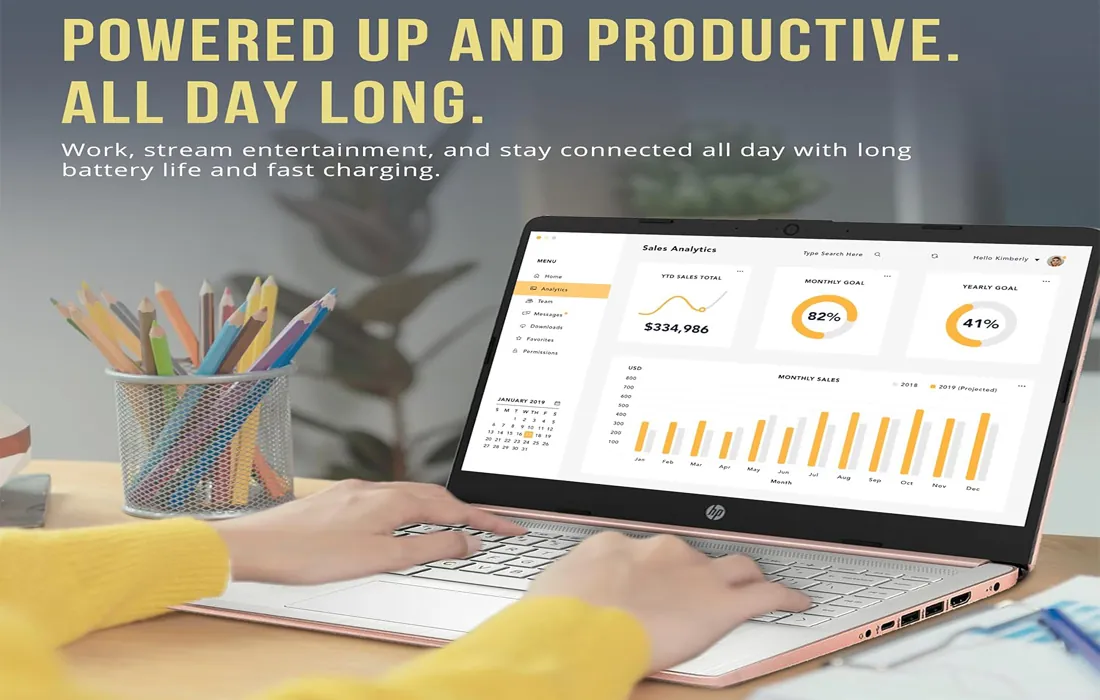
Limit background apps, avoid “tab overload,” and you’ll get a noticeably smoother experience.
Quick buyer note
If you want a machine mainly for school, Zoom/Meet, browsing, and documents, this category can be a smart buy. If your plan includes heavier software, you’ll be happier stepping up to a stronger tier—fewer slowdowns, less waiting.
Who Should Use This Product
A good match if you:
- Need a simple laptop for schoolwork, documents, email, and web-based tools.
- Prefer a lightweight machine you can carry daily without thinking about it.
- Mostly work in the browser (class portals, forms, calendars, spreadsheets).
- Want a budget-friendly Windows option for basic tasks.
Not a great match if you:
- Run heavy editing software, advanced design tools, or large datasets.
- Keep many demanding apps open at once (or dozens of tabs all day).
- Expect high-end gaming performance.
- Need a “do-everything” laptop for several years of heavy use.
Professions That Use This Product Most
This laptop category is popular with roles that live in email, web dashboards, documents, and video calls.
Assignments, research, online classes, learning platforms, and note-taking.
Email, scheduling, forms, invoicing portals, and basic file handling.
Ticketing systems, knowledge bases, chat tools, and browser workflows.
Drafting, editing, light web publishing, and simple asset management.
Basic accounting portals, admin tasks, and everyday communications.
A lightweight backup laptop for hotel work, email, and documents.
Pros & Cons
- Solid for basic school + office tasks when used within its comfort zone.
- Easy daily carry and simple setup for first-time Windows users.
- Good value for budget-focused buyers who don’t need heavy software.
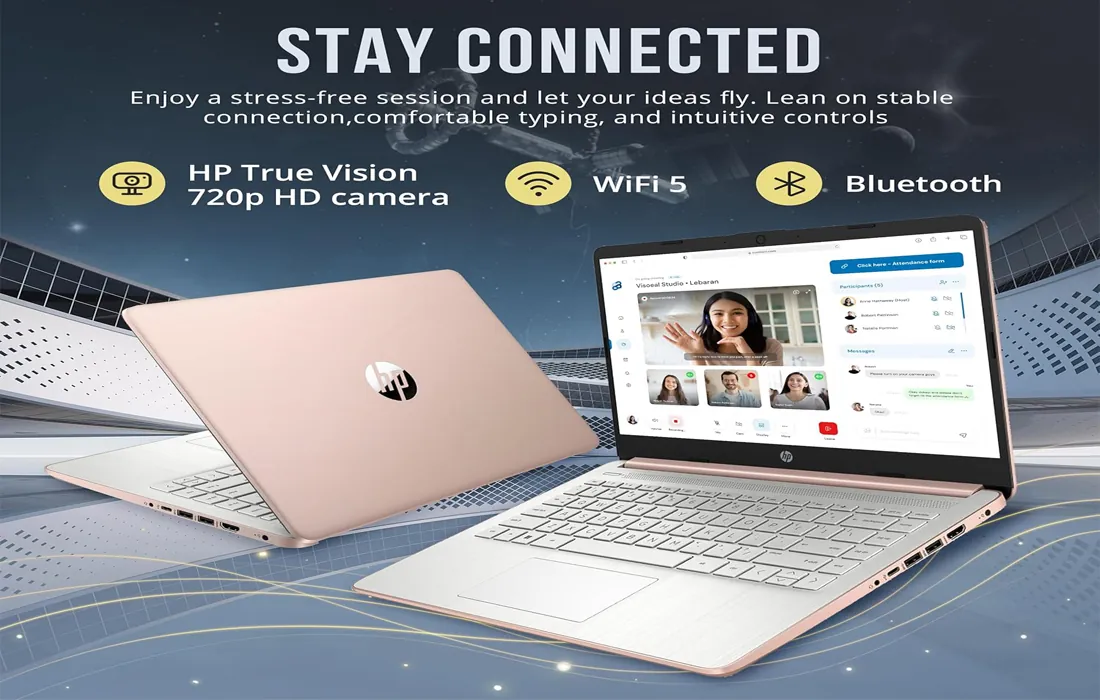
- Works nicely for web-first workflows (portals, docs, email, streaming).
- Not ideal for demanding multitasking or heavier creative apps.
- Can feel slow if you keep many browser tabs and apps open at once.
- Best experience requires basic housekeeping (updates, storage management).
- Not the right pick if you want a “power laptop” experience.
Comparison / Use-Case Insights
If you’re choosing for a student
This makes sense when the day is mostly writing, learning platforms, and video calls. A clean browser routine (fewer tabs) matters more here than people expect. If the student is taking design, editing, engineering, or anything software-heavy, consider a stronger model.
If you’re choosing for business admin
For email, invoicing portals, spreadsheets, and scheduling, it’s a practical budget tool. The key is keeping your workflow lightweight and relying on cloud tools for heavier lifting.
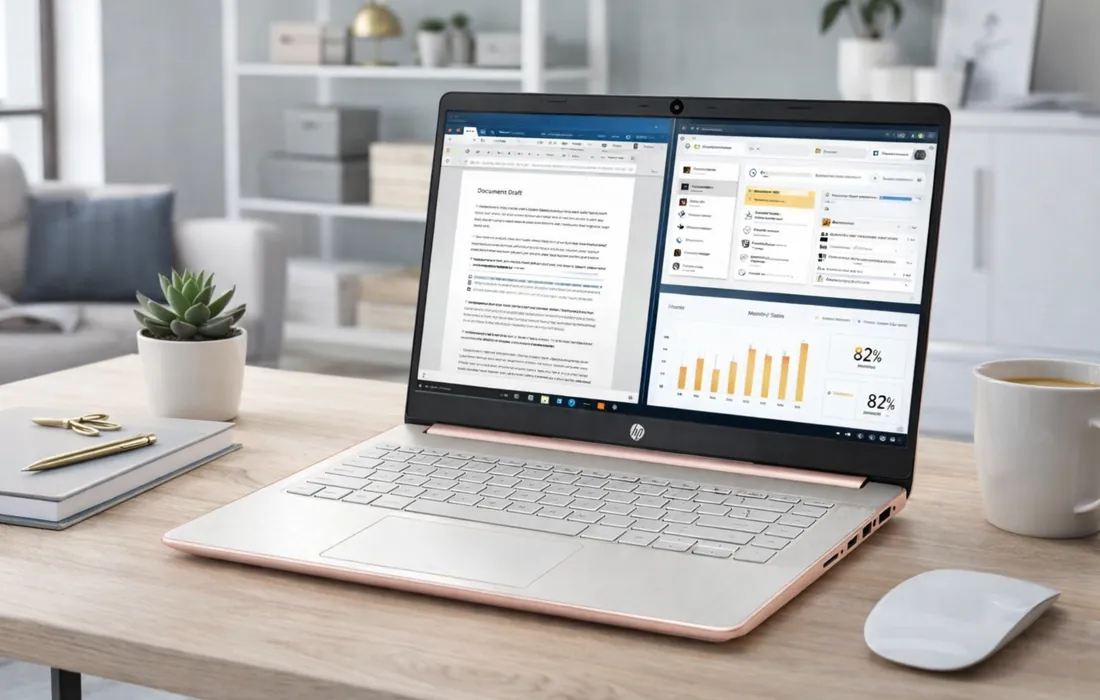
A simple way to decide
If your daily apps are mostly: browser, docs, email, and calls—this class of laptop can be enough. If you often say “I run big projects” or “I do editing,” skip ahead to a higher-performance option.
Variants & Prices (Quick Comparison)
Choose based on your workload and comfort preferences. Prices are shown clearly to avoid confusion.

HP Stream Laptop – Student & Business Bundle (Gold)
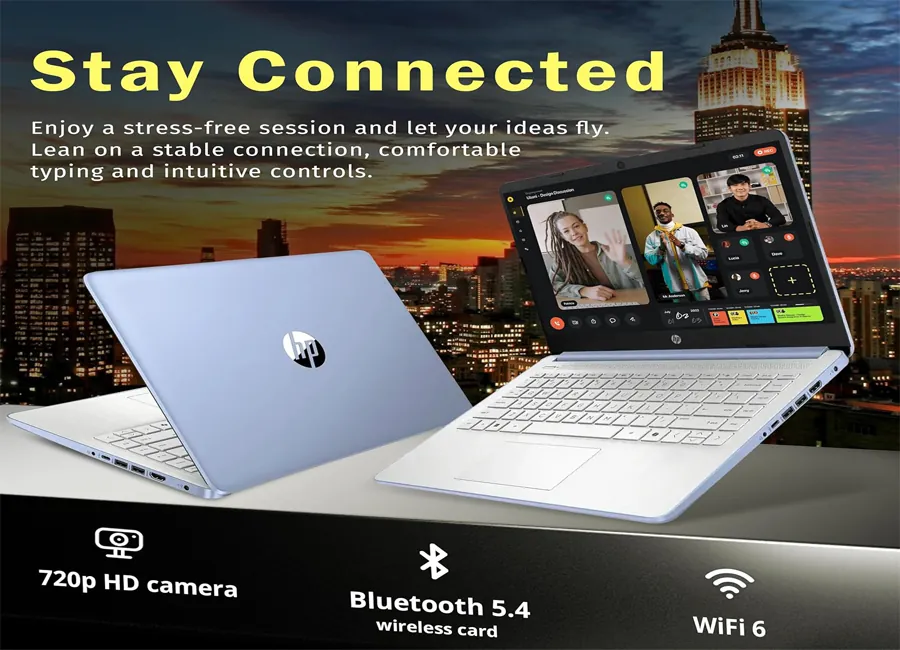
HP Stream Laptop (Intel N150) – Copilot AI, Office 365 (Sky Blue)
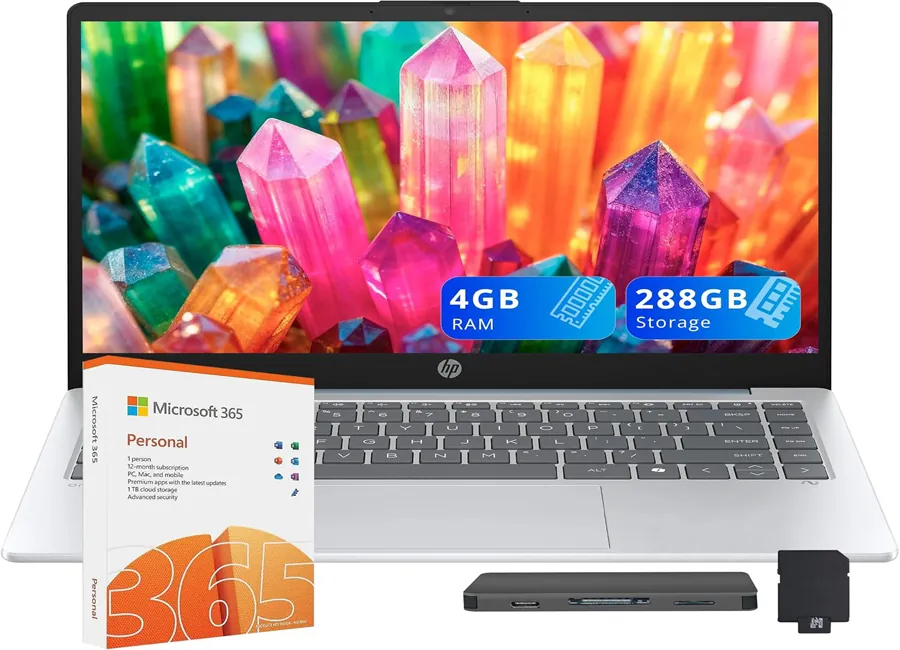
HP Stream Laptop (AMD Athlon 7120) – Copilot AI, Office 365 (Moonlight Blue)
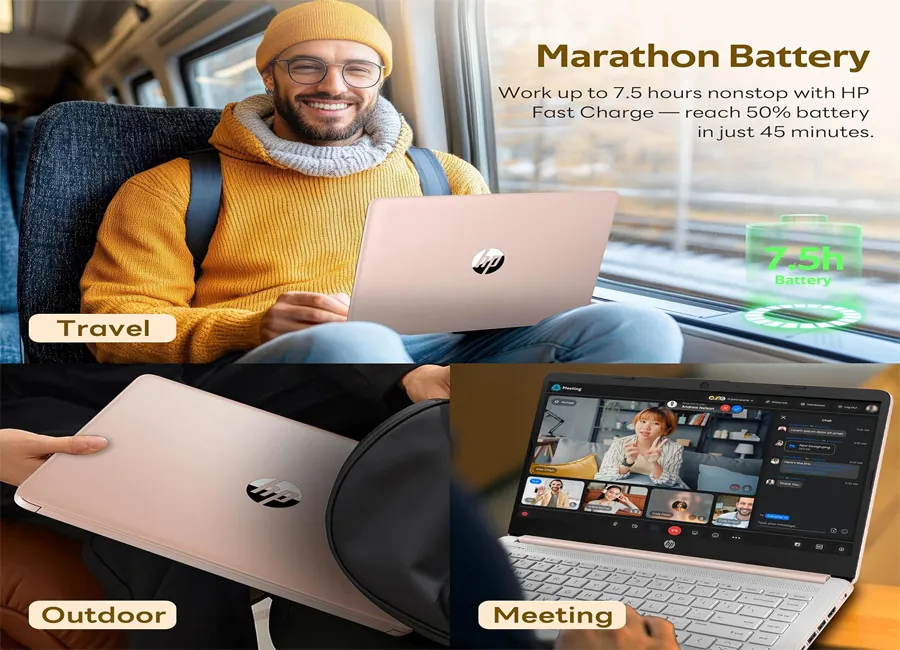
HP Stream Laptop – AI Copilot, Office 365 (Rose Gold)
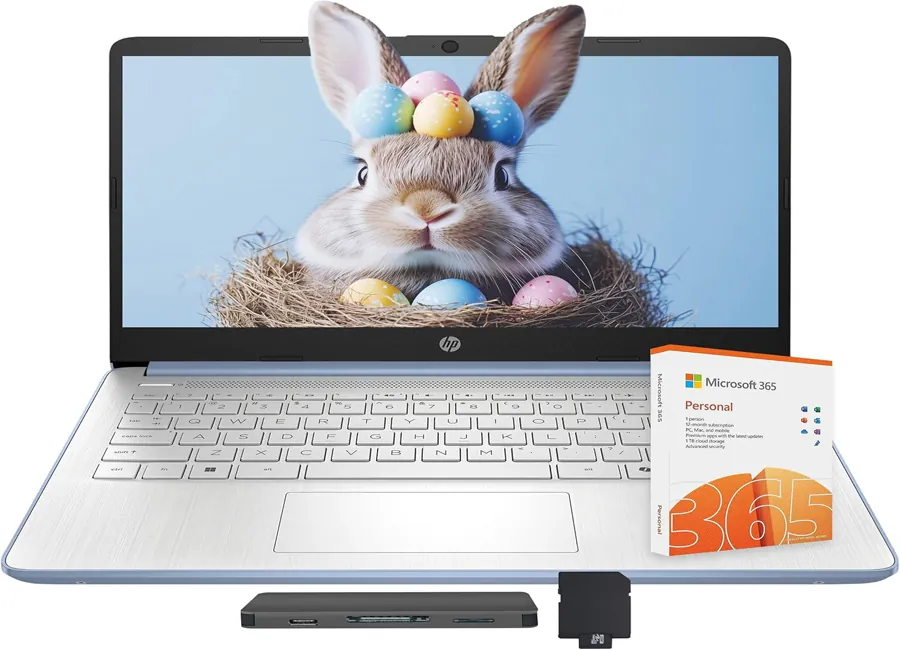
HP Stream Laptop – AI Copilot, Office 365 (Sky Blue)
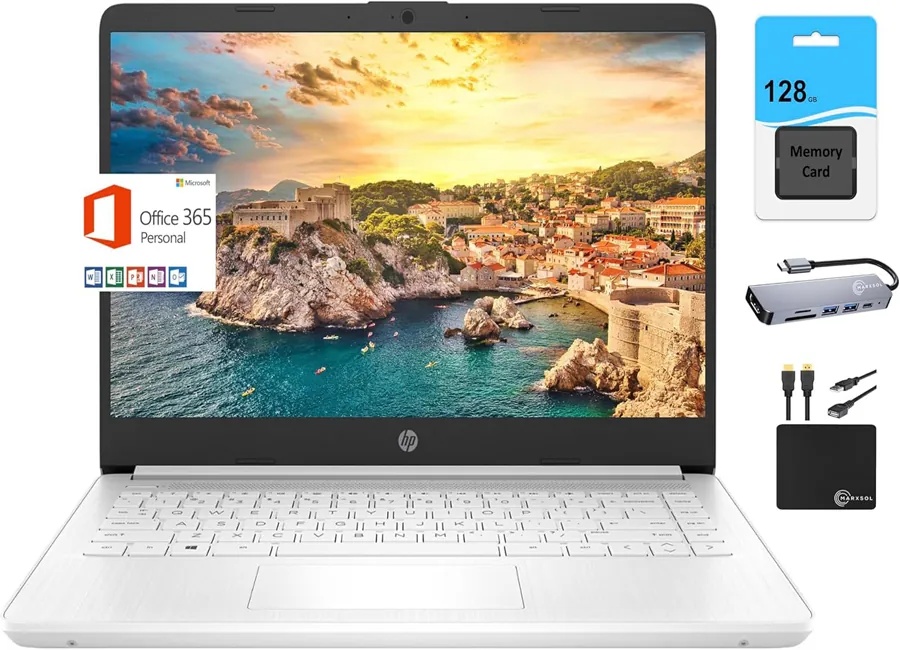
HP Laptop – Quad-Core Intel N4120, Office 365 Bundle (White + Accessory)
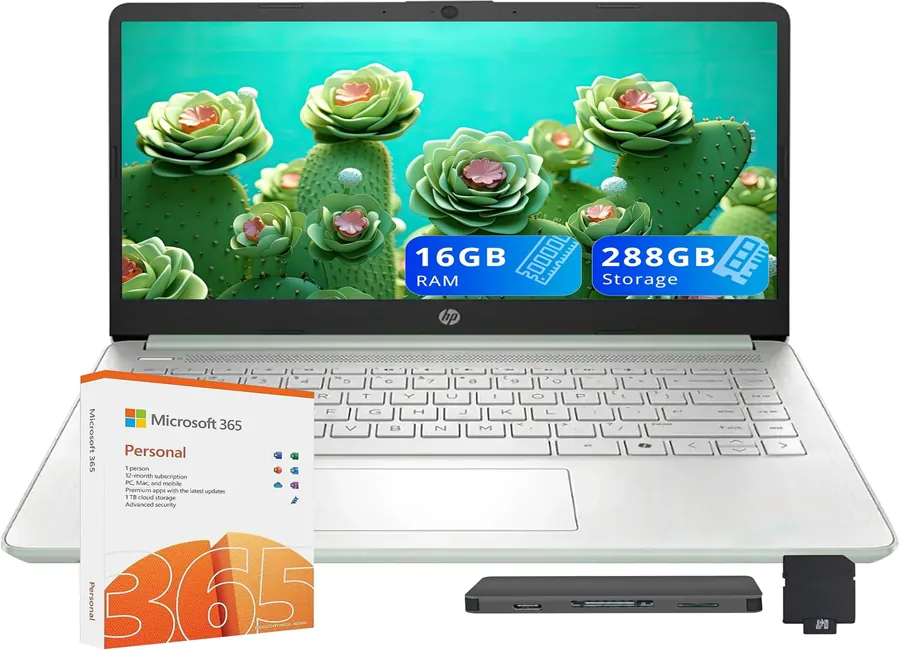
HP Stream Laptop – Copilot AI, Office 365 (Green)
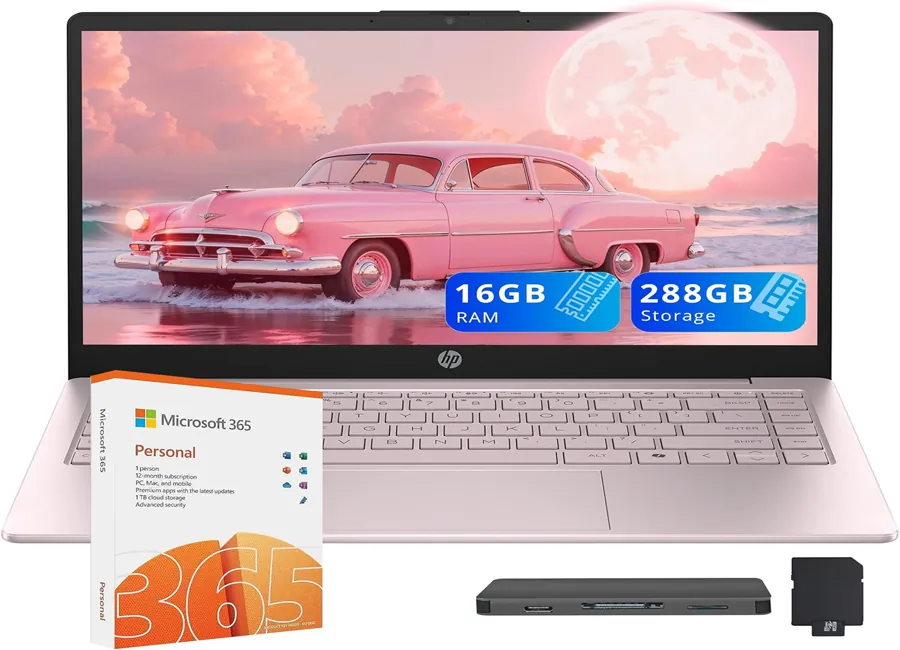
HP Stream Business Laptop – Copilot AI, Office 365 (Pink)
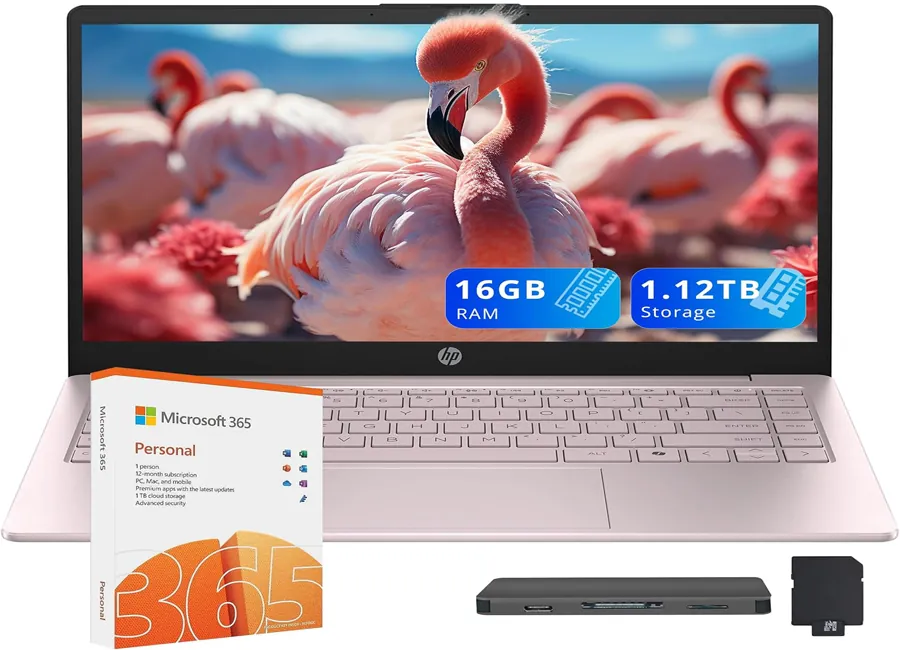
HP Stream Laptop – Copilot AI, Office 365 (Pink)
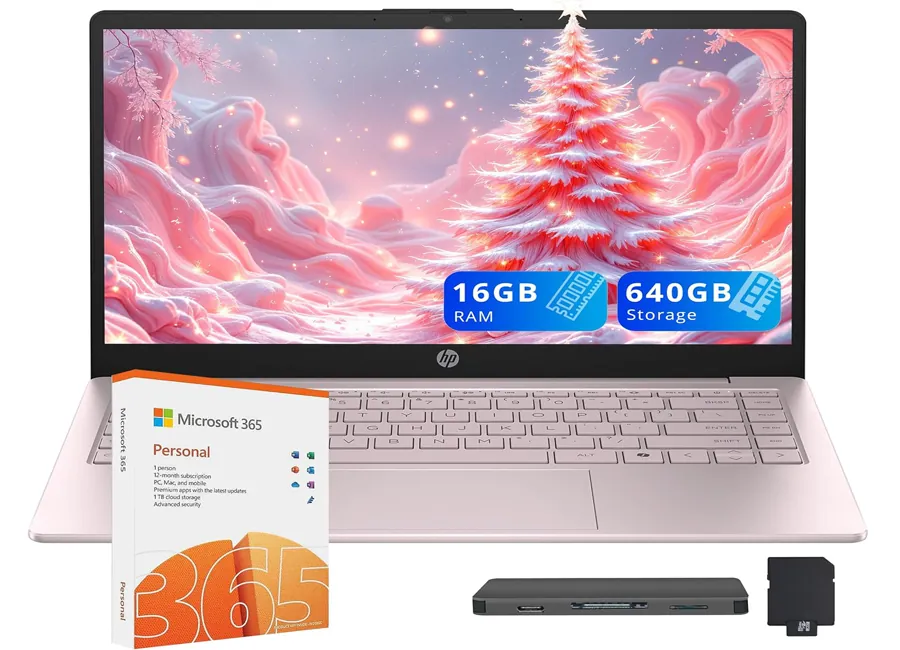
HP Stream Business Laptop – Storage Bundle, Office 365 (Pink)
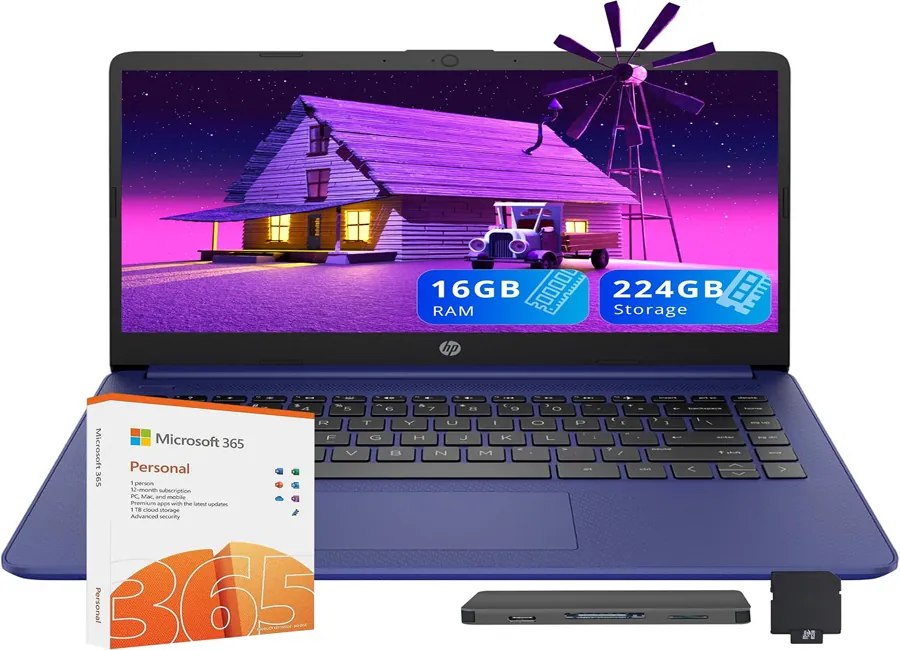
HP Premium Stream Laptop – Office 365 Bundle (Blue)
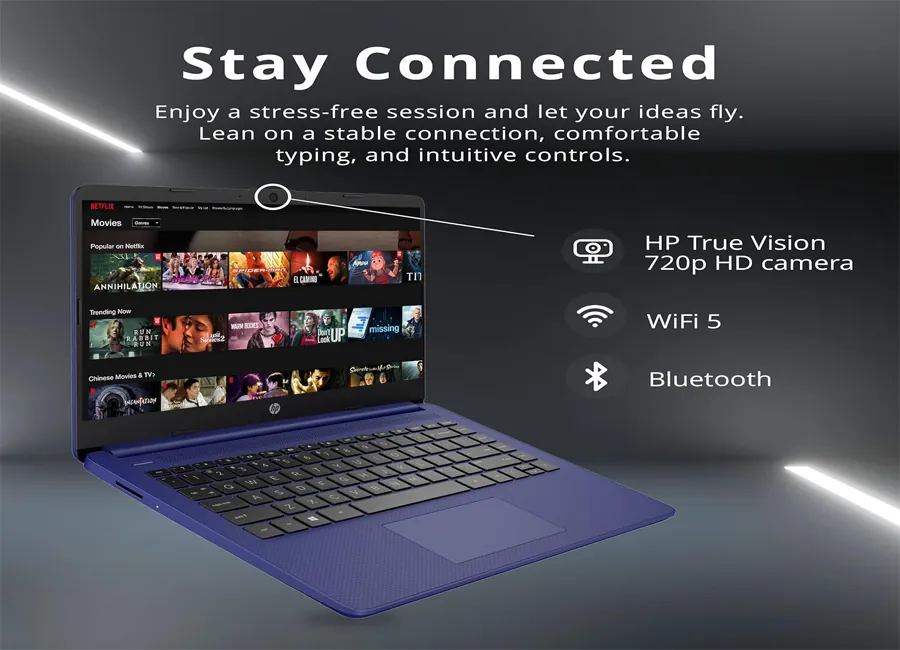
HP Premium Stream Laptop – Office 365 Bundle (Blue)
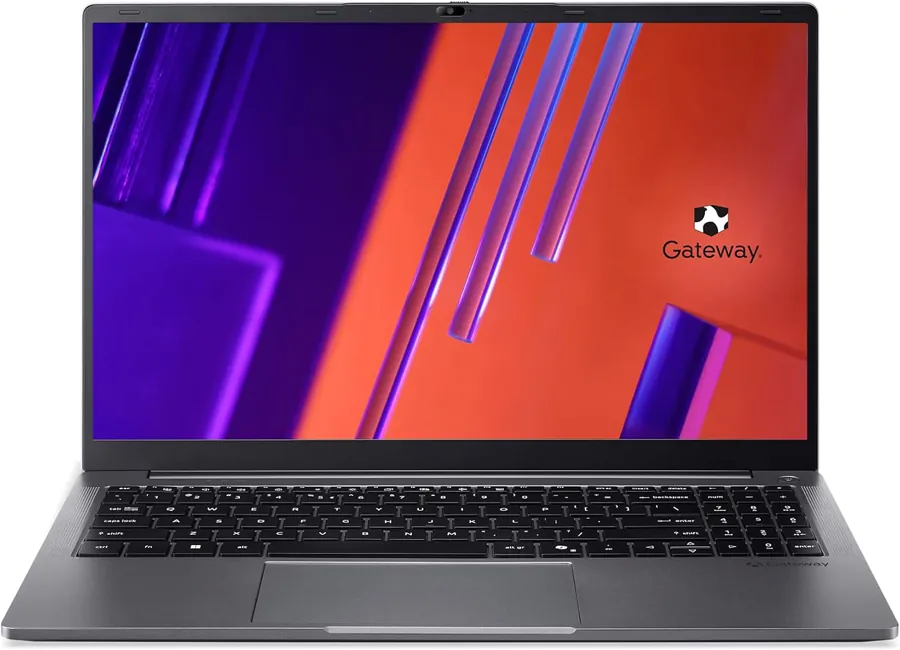
Gateway Laptop – Budget Alternative (Windows)
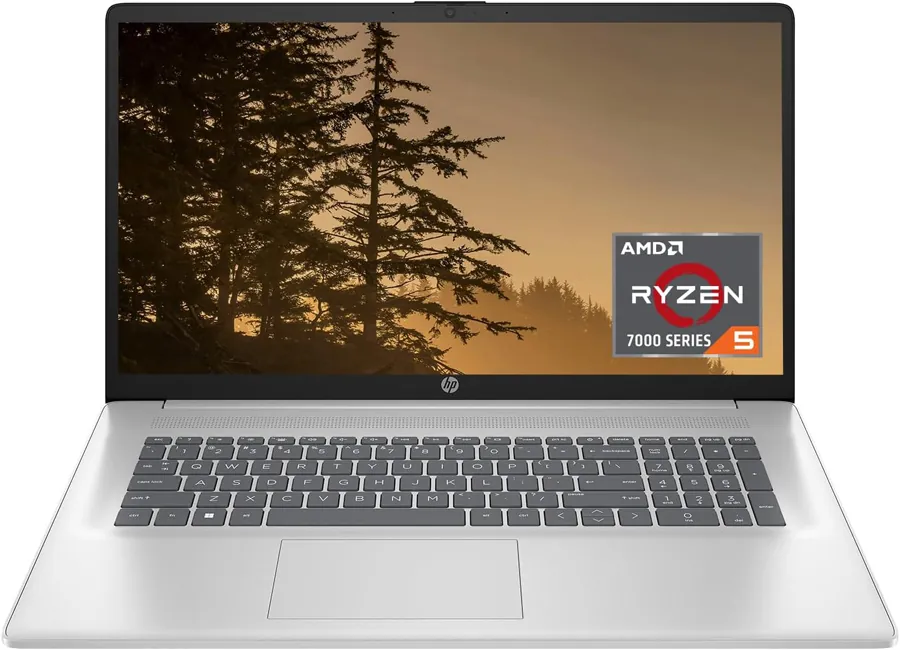
HP Laptop – Performance Upgrade Option (Windows)
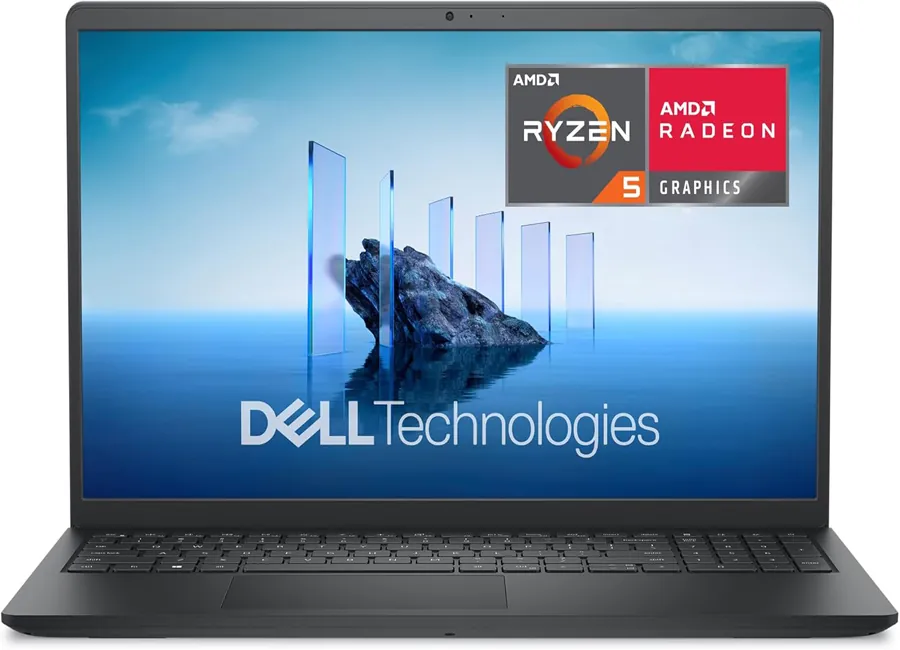
Dell Laptop – Everyday Productivity Option (Windows)
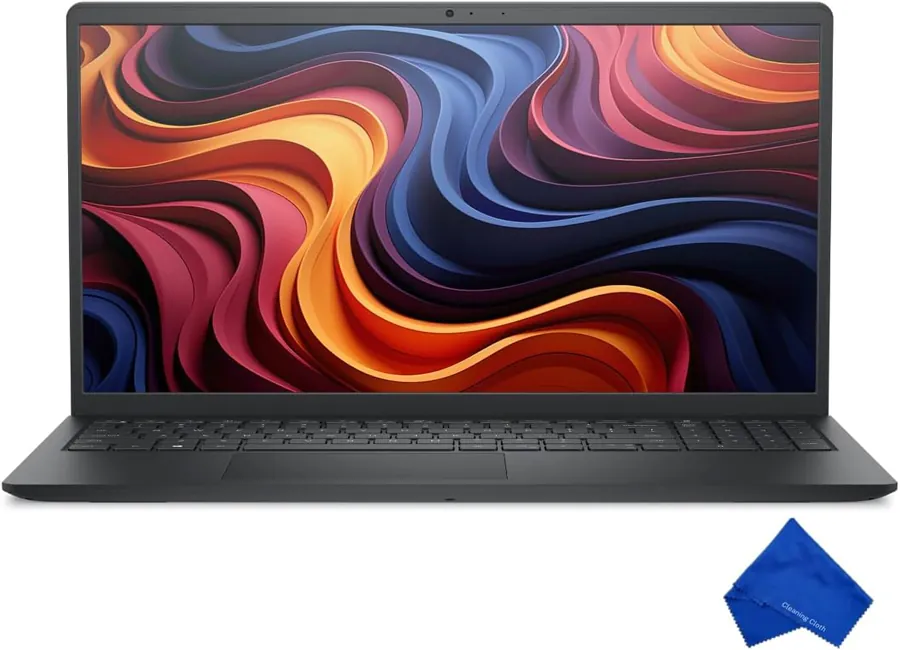
Dell Laptop – Value Option (Windows)
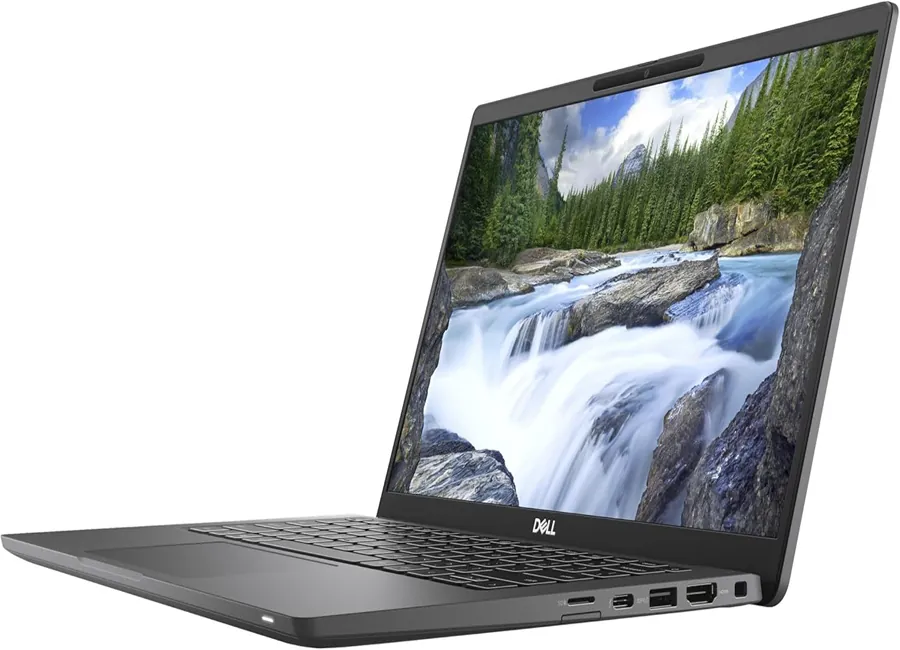
Dell Latitude (Renewed) – Business-Class Option (Windows)

Ultra-Thin Laptop – Budget Alternative (Windows)
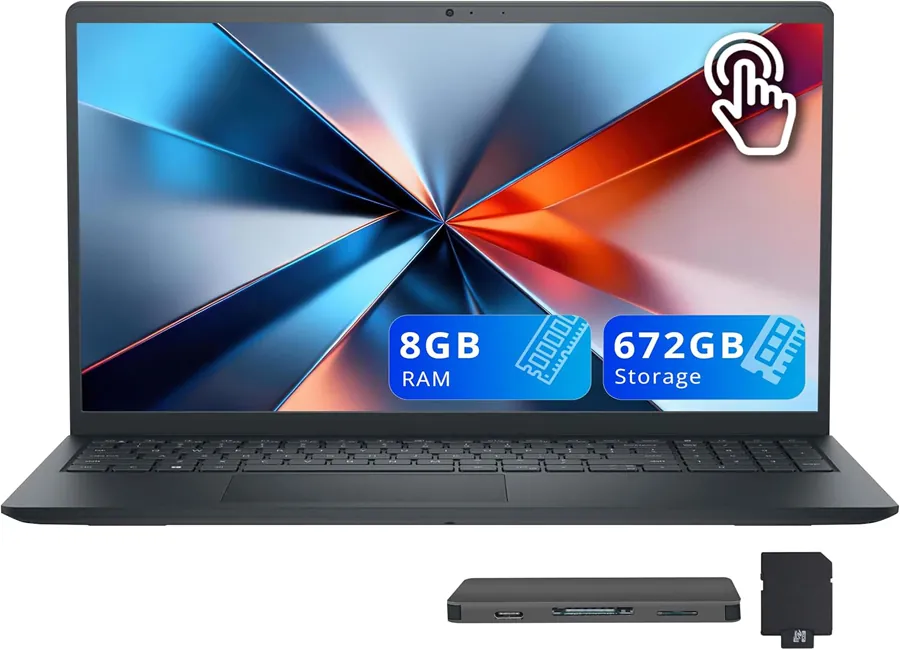
Dell Touchscreen Laptop – Higher Tier Option (Windows)
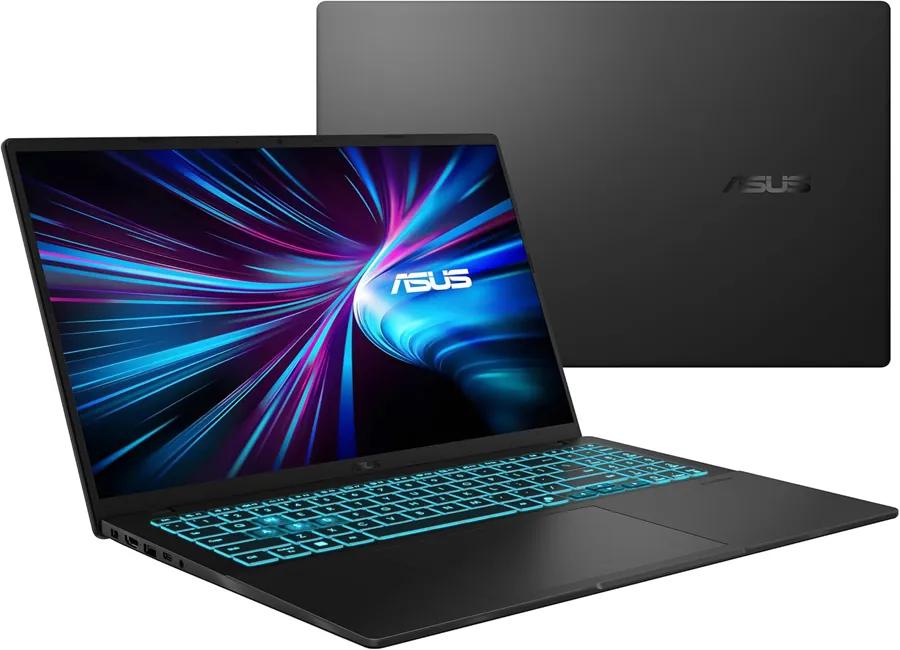
ASUS Gaming Laptop – High Performance Option (Windows)
Pricing note: Amazon prices can change quickly. Use the “Amazon (CA)” buttons to confirm current deals.
FAQs
Is the HP Stream 14 laptop good for students?
For everyday student work—documents, learning platforms, email, and video calls—it can be a sensible budget option. The best experience comes from keeping your workflow light and avoiding “tab overload.”
Can it handle Microsoft Office and online classes?
Yes for typical Office tasks and online classes. For best results, keep background apps minimal and update the system regularly.
Is it good for gaming or video editing?
It’s not designed for demanding gaming or heavy editing. It’s a productivity-first laptop for light everyday tasks.
What should I consider before buying?
Think about your daily apps. If it’s mostly browser + docs + email + calls, this category fits. If you run demanding software or multitask heavily, stepping up a tier usually saves frustration.
Do the links cost extra?
No. If you buy through an affiliate link, you pay the same price. A small commission may support this site’s content at no extra cost to you.
Final Verdict / Recommendation
The HP Stream 14 laptop is best viewed as a focused tool: great for study, light office tasks, and web-based work when you keep expectations realistic. If you want a simple Windows laptop that handles the essentials, it’s a practical buy. If your work is heavier, you’ll be happier choosing a stronger model from the variants above.
Trust note: I prioritize realistic expectations over hype. The goal is to match the right laptop to the right workload.
Quick Navigation
Jump back to any section instantly:
Check today’s price & availability on Amazon (opens in new tab).


